
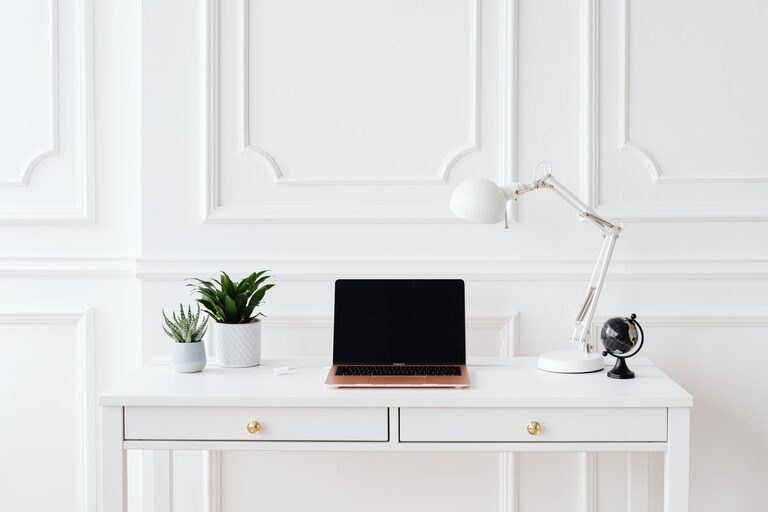
Creating a productive home office environment is essential, especially as more people embrace remote working. A well-designed workspace can improve your focus, increase comfort, and enhance overall efficiency. Whether you’re just setting up a home office or looking to refresh your current space, these tips will help you create an environment suited for productivity.
Choose the Right Location
Selecting the right spot for your home office is the first step to creating a productive environment.
– Quiet Area: Pick a room or corner away from regular household traffic to minimise distractions.
– Natural Light: If possible, choose a space with plenty of natural daylight. Sunlight can boost mood and energy levels.
– Privacy: Ensure the area offers privacy for calls, video meetings, or focused work sessions.
Invest in Ergonomic Furniture
Comfort plays a vital role in maintaining productivity during long working hours.
– Office Chair: Invest in an ergonomic chair that supports your lower back and encourages good posture.
– Desk: Choose a desk with sufficient surface area to hold your equipment and allow comfortable movement.
– Optional Accessories: Consider a footrest, adjustable keyboard tray, or monitor stands to reduce strain.
Organise Your Workspace
An organised workspace reduces stress and helps you find what you need without wasting time.
– Declutter: Remove unnecessary items from your desk to keep the surface clear.
– Storage Solutions: Use shelves, filing cabinets, or desk organisers to keep documents and supplies tidy.
– Cable Management: Use clips or cable boxes to keep cords organised and out of sight.
Optimise Lighting
Good lighting reduces eye strain and creates a comfortable atmosphere.
– Natural and Artificial Light: Combination of daylight and adjustable task lighting is ideal.
– Avoid Glare: Position your screen to avoid glare from windows or lights, which can cause headaches.
– Desk Lamp: Use a desk lamp with adjustable brightness and colour temperature.
Minimise Distractions
Creating boundaries between work and home life is crucial for productivity.
– Set Boundaries: Let family or housemates know your work hours and the importance of minimizing interruptions.
– Use Noise Control: Noise-cancelling headphones or soft background music can help block out distractions.
– Limit Non-Work Activities: Keep personal phones and unrelated apps away during work hours.
Personalise Your Space
A workspace tailored to your tastes can boost motivation and comfort.
– Incorporate Plants: Indoor plants improve air quality and add a calming natural element.
– Use Colours Thoughtfully: Choose colours that make you feel energised or relaxed, depending on your preference.
– Add Inspirational Elements: Photos, quotes, or artwork can inspire creativity and positivity.
Technology and Tools
Efficient technology supports smoother workflow and communication.
– Reliable Internet: A fast and stable internet connection is essential for video calls and online tasks.
– Quality Equipment: Use a good quality monitor, keyboard, mouse, and headset that suit your needs.
– Backup Solutions: Regularly back up documents and use cloud storage for easy access and security.
Maintain Healthy Habits
Your physical and mental well-being has a significant impact on productivity.
– Take Breaks: Follow methods like the Pomodoro Technique to schedule regular short breaks.
– Stay Hydrated and Nourished: Keep water and healthy snacks at hand.
– Exercise: Incorporate quick stretches or short walks during the day.
Keep Evaluating and Adjusting
What works well now might need tweaking in the future.
– Reflect regularly on your workspace comfort and efficiency.
– Adjust furniture, lighting, or technology as needed.
– Stay open to new tips and trends that could improve your home office set-up.
Conclusion
Designing a productive home office environment involves more than just placing a desk in a room. It requires thoughtful consideration of your location, furniture, organisation, lighting, and habits. By implementing these practical tips, you can create a workspace that supports your focus and well-being, helping you do your best work from home.